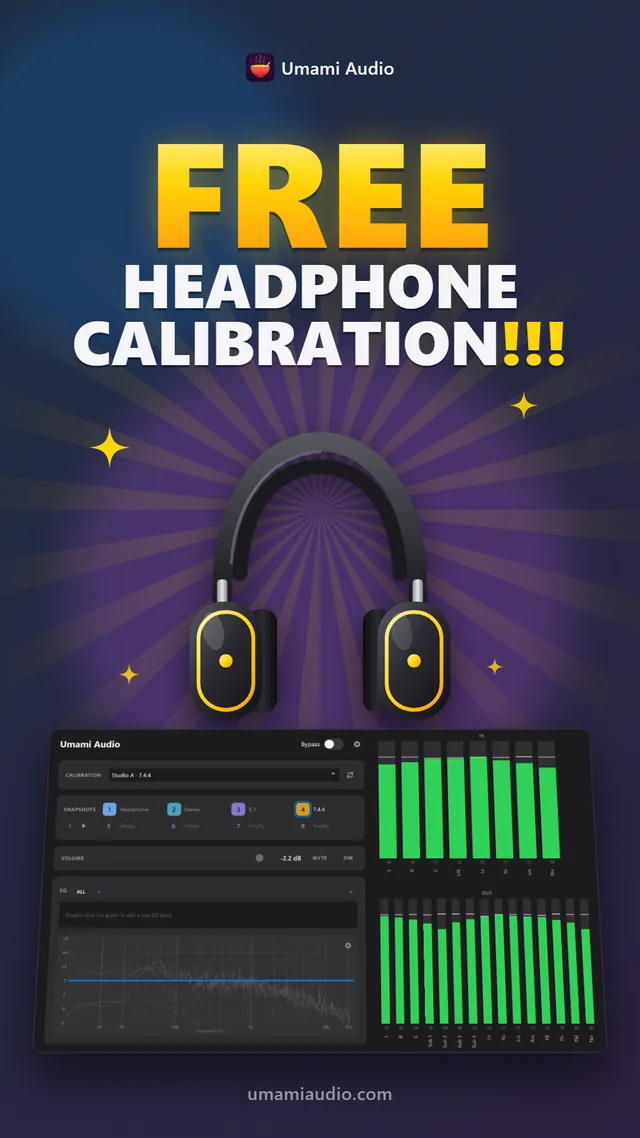
Your headphones can sound better!
Sign up for an Umami Audio account, verify it, and receive Personal Soup — Headphone Calibration for free! We promise it won’t make your headphones sound weird. It will still sound like your headphones, only better.
How to get it
Install Perfect Soup from the download page.
Load the Umami Calibration Loader plugin in your DAW, on the monitor bus as the last thing before your headphone output, or open Perfect Soup Desktop to apply it system-wide. Click Sign In and sign in with your account, then open the Calibration list and choose + Add headphone…
Select your headphone model and enjoy better sound. The profile downloads and becomes the active calibration.
Is my headphone supported?
Search by brand or model. If your headphones show up in the list, they’re supported.
Opens the sign-up form
Your room next
Your speakers and your room color everything you hear, so a mix that sounds right at your desk can fall apart in the car, on earbuds or in the club. Perfect Soup measures how your room changes the sound of your speakers and corrects it, so your monitors tell you the truth and your mixes translate everywhere. It works from a stereo desk to 11.1.6 Atmos, and all you need is a measurement microphone. Try it free for 60 days, no credit card. Licenses from $59.